Nowadays, almost everyone wants to watch movies and series, play games, or even use apps directly on their TV. But if you have an older TV without internet access or modern apps, you might think the only solution is to buy a new one.
The good news? That’s not true.
You can turn your regular TV into an Android Smart TV without spending a lot of money.
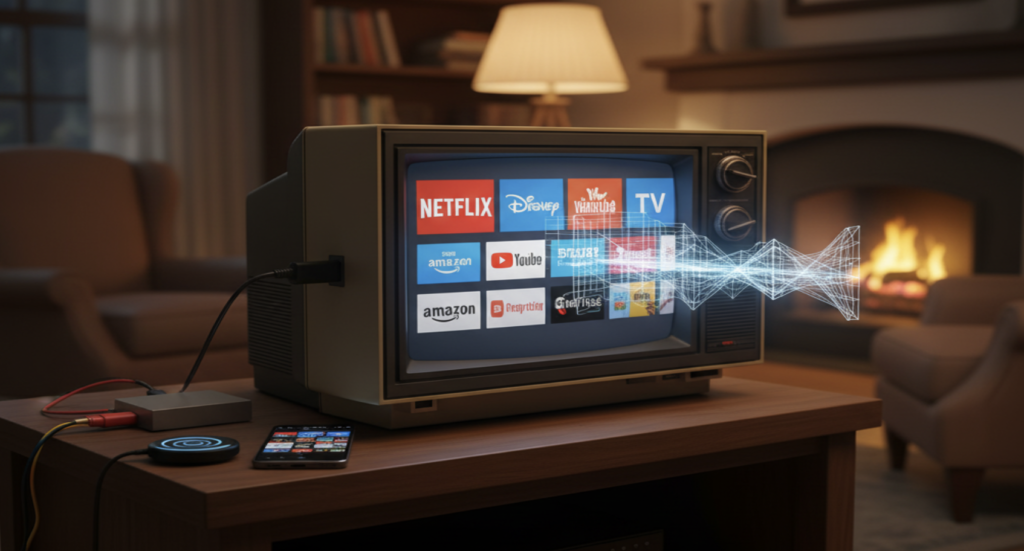
In this article, I’ll show you in a simple and easy-to-understand way how to make this transformation, what you’ll need, and some useful tips to get the most out of your old TV.
What Do You Need to Turn an Old TV into a Smart TV?
Before you start, make sure you have the following:
- A TV with an HDMI port – even most older TVs have one.
- An Android TV Box – there are many brands available.
- A Wi-Fi internet connection – this is how apps will run.
- Streaming app accounts (optional but recommended).
With these items, your TV is ready to become a Smart TV.
How to Turn Your TV Into a Smart TV
Now let’s get to the important part — how to do it.
Step 1: Connect the TV Box to Your TV
Take the HDMI cable that comes with the TV Box and plug it into an HDMI port on your TV. Then connect the TV Box to a power outlet.
Step 2: Select the Correct Input
On your TV remote, press the Source or Input button and choose the HDMI port where you connected the TV Box. The Android home screen should appear.
Step 3: Connect to Wi-Fi
The first time you turn it on, you’ll need to connect the TV Box to your Wi-Fi network. Just enter your Wi-Fi password, the same way you would on your phone.
Step 4: Sign In to Google Play Store
Log in with your Google account. This allows you to download apps directly from the Play Store.
Step 5: Download Your Favorite Apps
Now comes the fun part. Download apps like YouTube, Netflix, Prime Video, Disney+, Spotify, games, or even internet browsers.
Best Devices to Make Your Old TV Smart
1. Streaming Devices (Simple, Fast, and Popular)
These are compact devices that plug directly into your TV and instantly unlock smart features.
- Google Chromecast: Controlled mainly from your smartphone, Chromecast lets you cast content from compatible apps directly to your TV. Perfect if you already use Google services and want a clean, simple experience.
- Amazon Fire TV Stick: Comes with its own remote and Android-based interface. You can browse and install apps like Netflix, Prime Video, Disney+, and more—no phone required.
- Roku Express: A user-friendly option with its own operating system and remote. Roku offers a huge library of streaming channels and apps.
- Android Smartphone: In some cases, your Android phone alone can act as a smart hub by connecting via cable or wireless screen mirroring.
2. Android TV Box (Maximum Flexibility)
An Android TV Box works like a mini computer running Android. Once connected, your TV becomes a giant Android screen.
Why choose a TV Box?
- Install almost any app from the Google Play Store
- Watch movies, browse the web, play games
- Ideal for users who want full control and customization
With today’s technology, age doesn’t matter. Even a decade-old TV can feel brand new with the right setup.
Screen Mirroring: The Best Apps to Mirror Your Phone to TV
Screen mirroring lets you display your phone’s screen on your TV—great for photos, videos, presentations, or games.
- Google Home: Essential if you use Chromecast. It allows you to cast your entire Android screen or individual apps to your TV.
- Cast to TV, Chromecast & Roku: It supports multiple casting protocols and works with many TV brands.
- Smart View: Built-in on Samsung phones. A quick and easy way to mirror your phone screen to compatible TVs.
- Miracast: Works without Wi-Fi by creating a direct connection between your phone and TV. Supported by many Android devices and TVs.
- AirPlay: Apple’s native screen-mirroring solution for iPhone, iPad, and Mac, often used with Apple TV.
Thinking about installing TV Express App? Read this first to avoid common mistakes and security risks.
Final Thoughts: Upgrade Without Replacing
With a small investment, your old TV can enjoy a second life—streaming movies, watching YouTube, and accessing modern digital entertainment with ease.
You don’t need to replace your TV—just upgrade it smartly.
Which option works best for your home?
A streaming stick, TV Box, or simple screen mirroring? The choice is yours.